
Overview#
interactive#
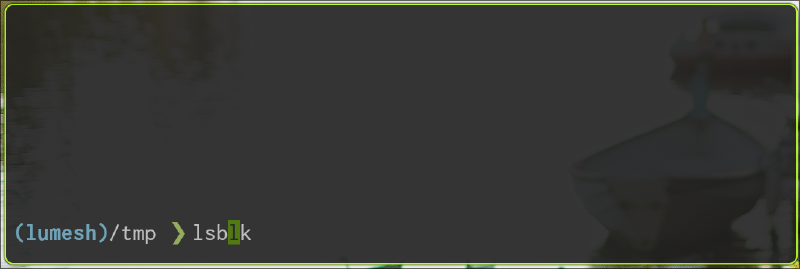
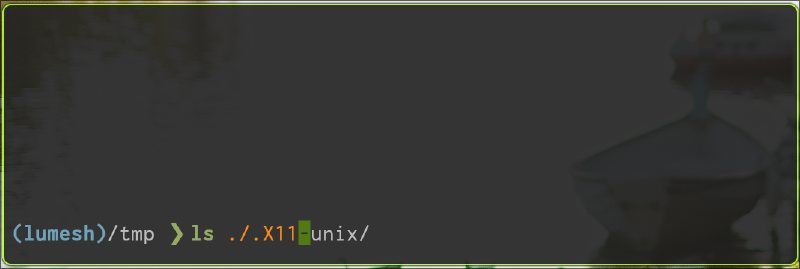
- auto complete
- complete with executable cmds
- complete with path
- complete with history
 |  |
|---|
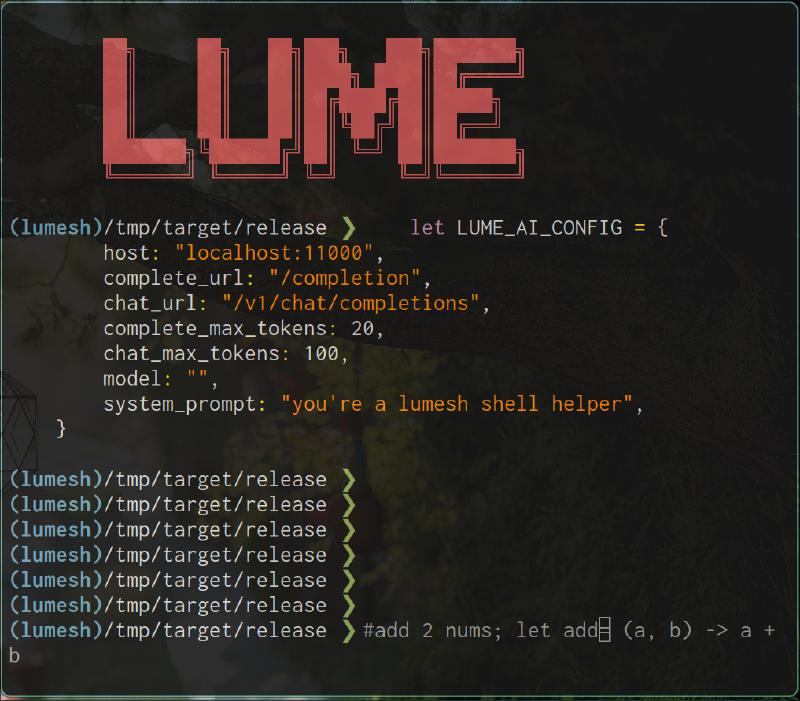
- with AI
| AI complete | error hint |
|---|---|
 | 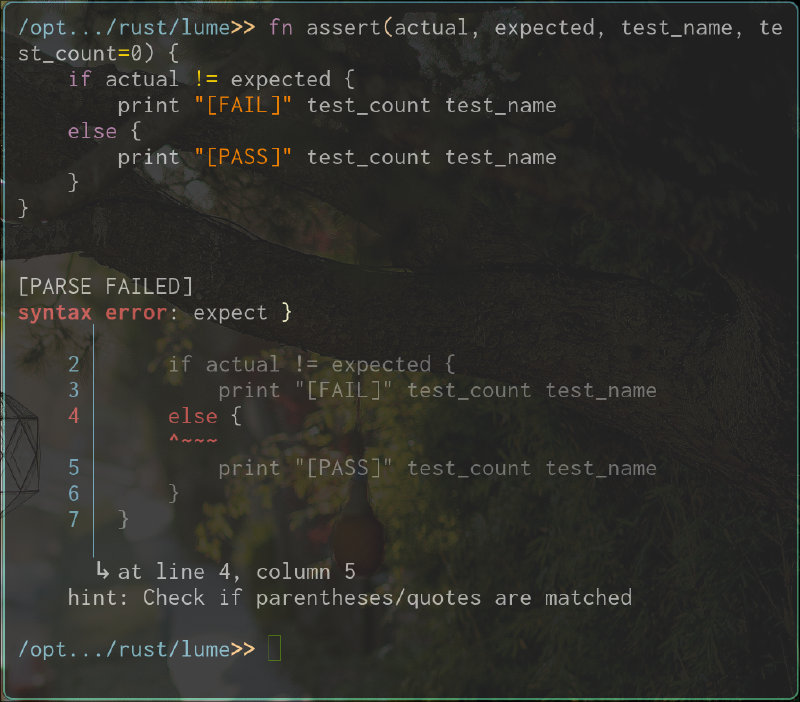 |
- error hint detailed error error hint. as shown above.
highlight#
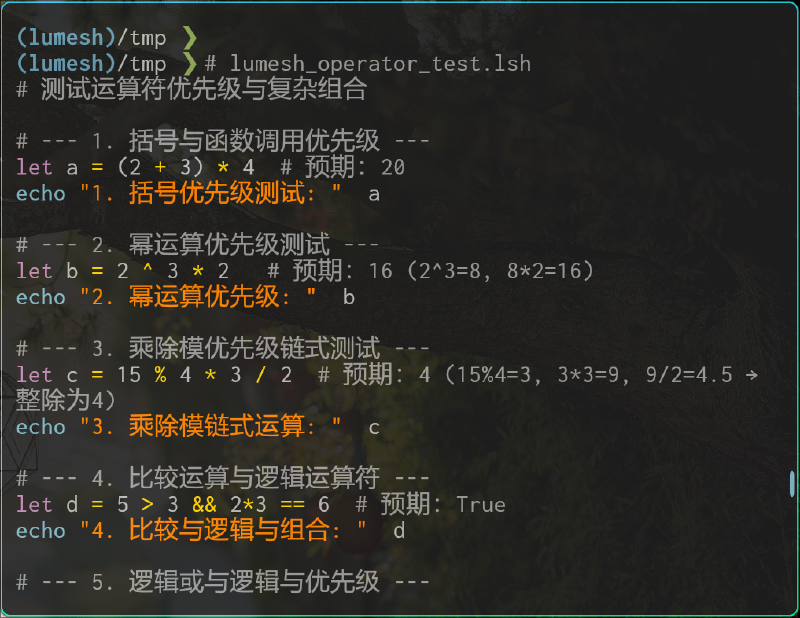 | 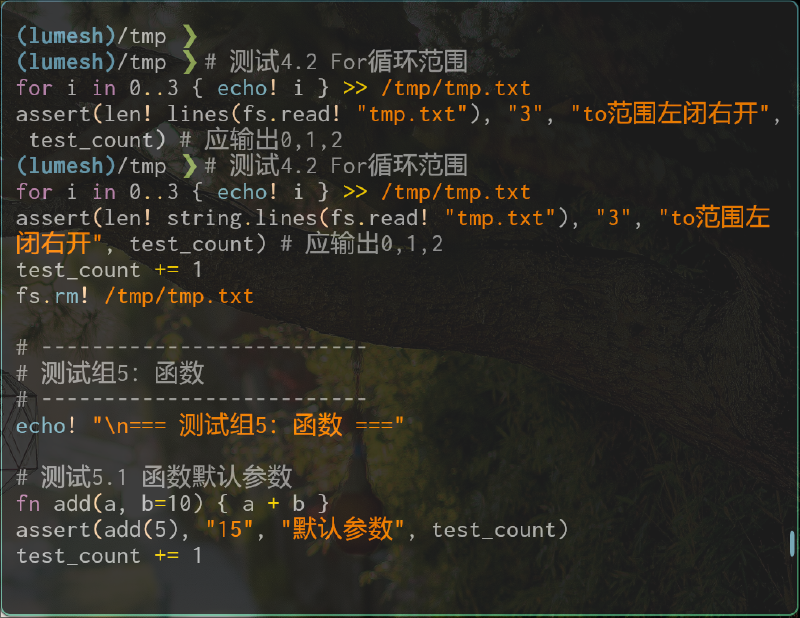 |
|---|
key-bindings#
custom key-bindings supported,eg:
alt + m save bookmark | alt + x fuzzy search and execut |
|---|---|
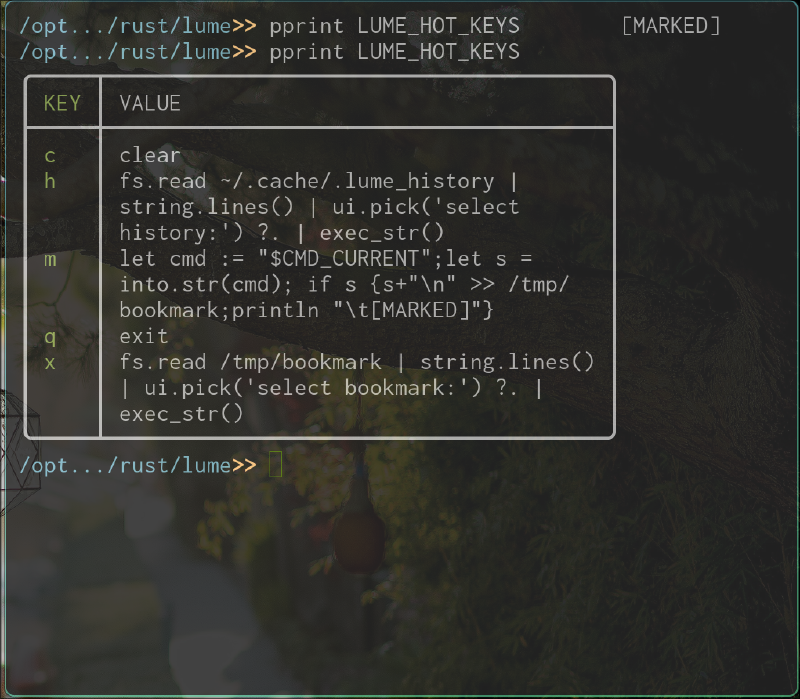 | 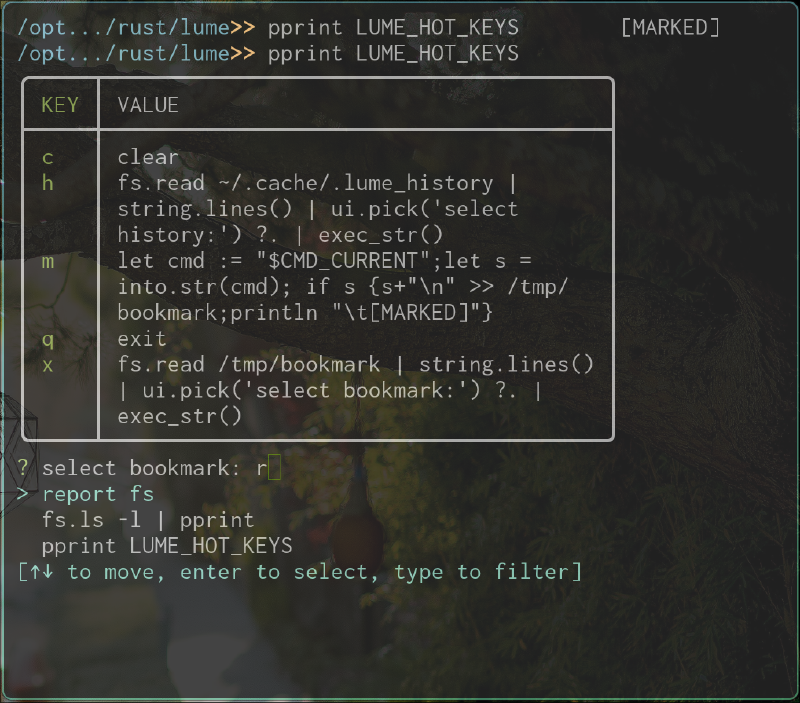 |
performance#
- memery usage
| lume | fish |
|---|---|
 |  |
| bash | dash |
 |  |
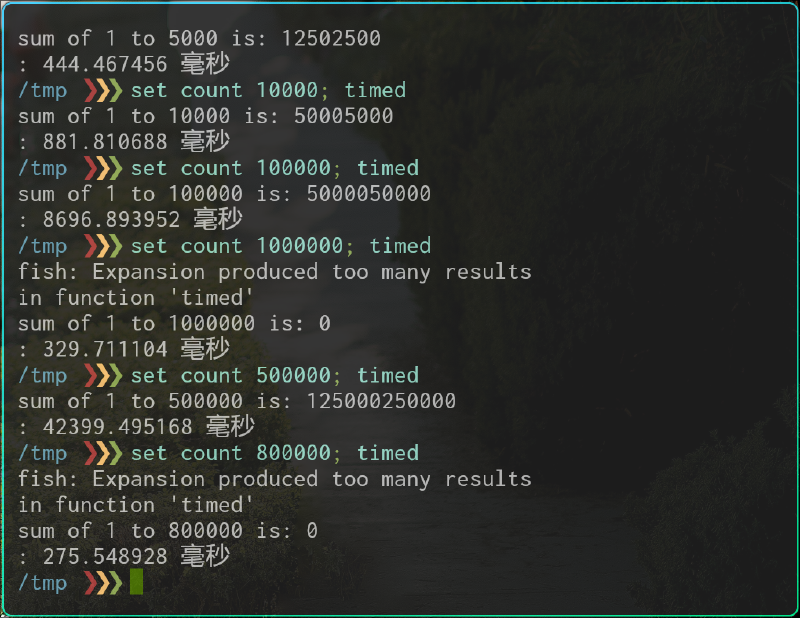
- loop test
| lume | fish |
|---|---|
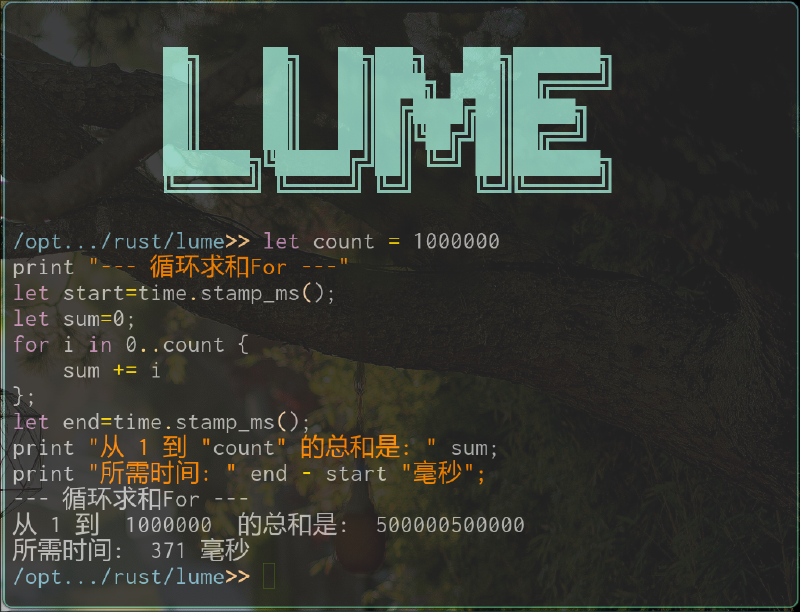 |  |
| bash | dash |
 |  |
fish was unable to finish 1,000,000 times circle.
- pakage size(after install)
| lume | bash | dash | fish | |
|---|---|---|---|---|
| version | v0.3.8 | v5.2.037 | v0.5.12 | v4.0.2 |
| size | 4.3 MB | 9.2 MB | 153.8 KiB | 21.64 MB |
- test result
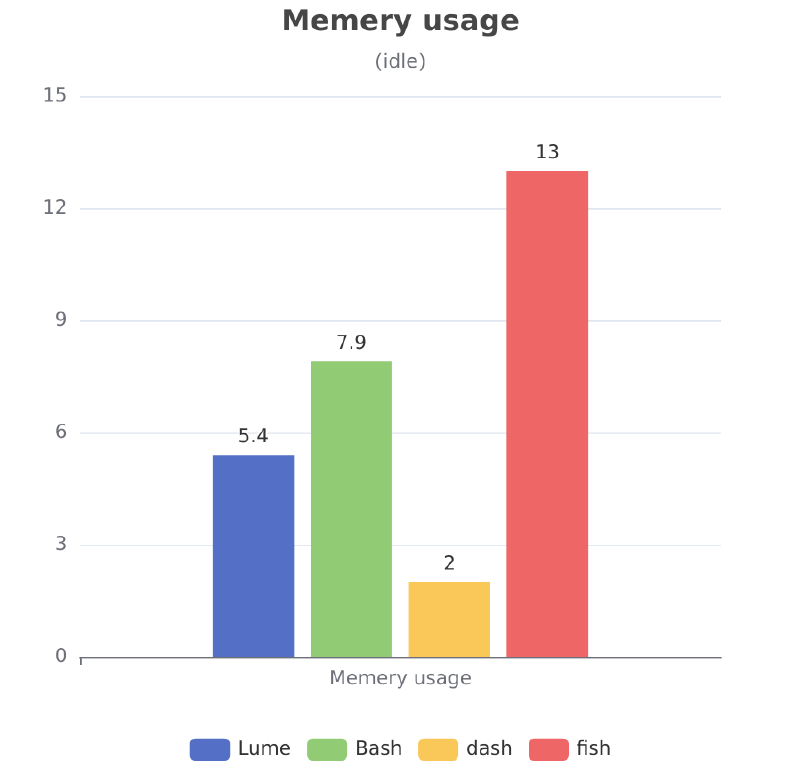 | 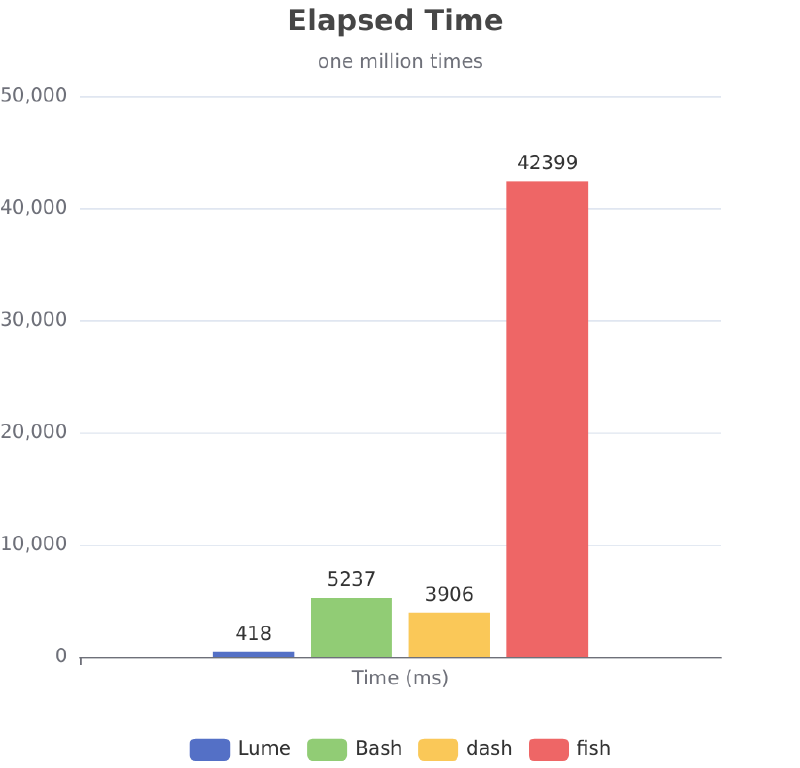 |
|---|
as fish was unable to fishish one million times task, we take the time of its harf task
syntax#
the snytax is user-friendly.
- direct math
1 6 / 3
2 5 - 1
3 1+2^3*2- work with vars
1let a = (2+3)*5
2print "a=" a
3
4let b,c = 1,2     # multi assign supported
5println b c
6println(b,c) # also works- work with array list
 1let arr = [10, "a", True]
 2let arr_b = 0..10
 3
 4# index
 5arr[0]       # → 10
 6arr_b.1
 7
 8# slice
 9arr[1:3]     # → ["a", True](left close right open)
10arr[::2]     # → [10, True](step is 2)
11arr[-1:]      # → True(support negative slice)
12
13# nested
14[1,24,5,[5,6,8]][3][1] # 6- work with map
1let dict = {name: "Alice", age: 30}
2
3# index
4dict[name]
5dict.name- if statement
1if a>0 && b==0 {
2   print OK
3}else{
4   print BAD
5}- match statement
1match a {
2 10 => print "ten",
3 20 => print "twenty"     # comma is optional
4 _ => print other
5}
other statement also For, While, Loop supported. conditional assign: a?b:c lazy assign:
let a := b + clambda expression
1let addone = x -> x+1
2let add = (x,y) -> x+y
3
4addone(2)
5add(3,4)
function
support function as arg support function nest support default value suppport params collector
1fn add(x,y=0,*other){
2 x+y+len(other)
3}
4
5add(3)
6add(3,4)
7add(3,4,5,6,7)- error catch
1let e = x -> print x
23 / 0 ?: e               # you could use a function to catch and deel with errors
3
43 / 0 ?.                 # aslo, you may like to ignore it.
53 / 0 ??                 # aslo, you may like to display it on stderr.
63 / 0 ?+                 # aslo, you may like to merge it to stdout.
73 / 0 ?!                 # aslo, you may like to use error as result, useful to pipe errors out.
8
93 / 0 ?: 0               # give a default value while failing
error catch could be use in expression and whole function declare.
- smart pipes Smart pipelines that can automatically adapt to input and output formats, intelligently supporting byte pipelines and structured data pipelines.
structured pipes :
1
2ls -l | From.cmd() | where( int C4 > 4000 )            # use normal ls command
3
4let thead = [mode,i,user,group,size,mday,mtime,name]
5ls -l | From.cmd(thead)  | where(int size > 400) | select([name,size,mtime])      #parse with table head
6
7Fs.ls -l | where(mode==420) | select(name)              # use builtin ls
see handbook for more details.